SaveTheDates

Digital save the dates

Digital save the dates,
with RSVP built in.

Send it by WhatsApp, text or email. Guests open your names, date and photo, and your wedding details. When you’re ready, send your invitation on its own link, with an RSVP they can answer without an account.

Create & preview for free. £19 when you’re ready to publish.

Save the date first.
Invite them later.

TWO LINKS. UP TO FOUR PAGES.

Everything guests need, at the right time.

  1. 01

    Save the Date

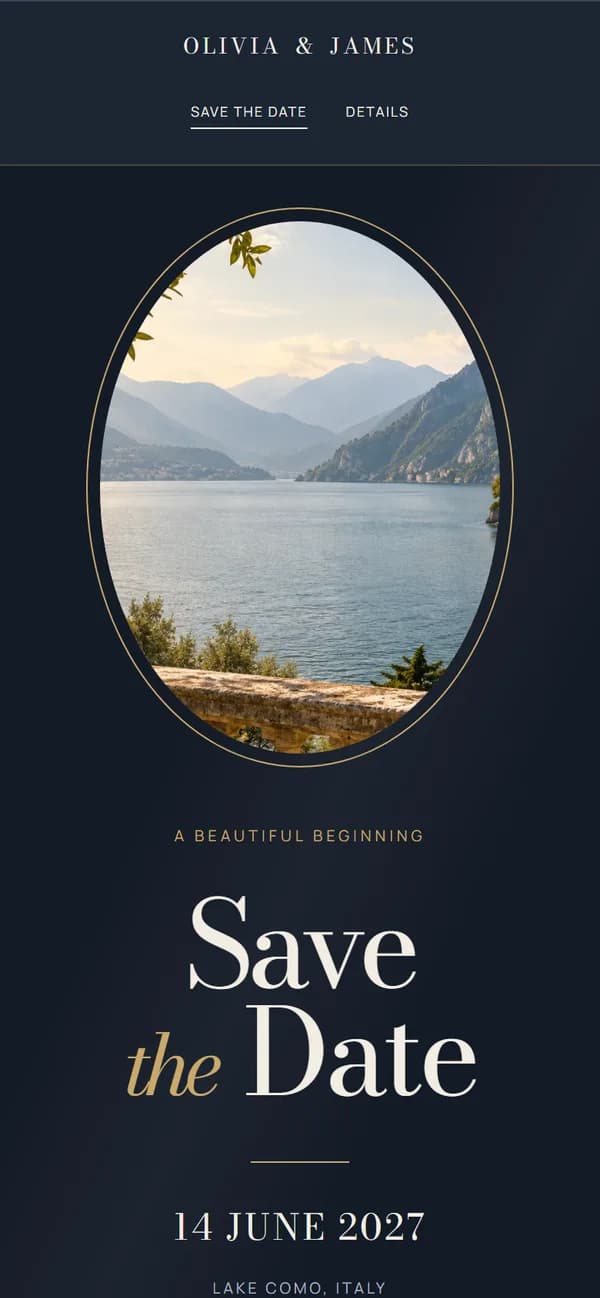
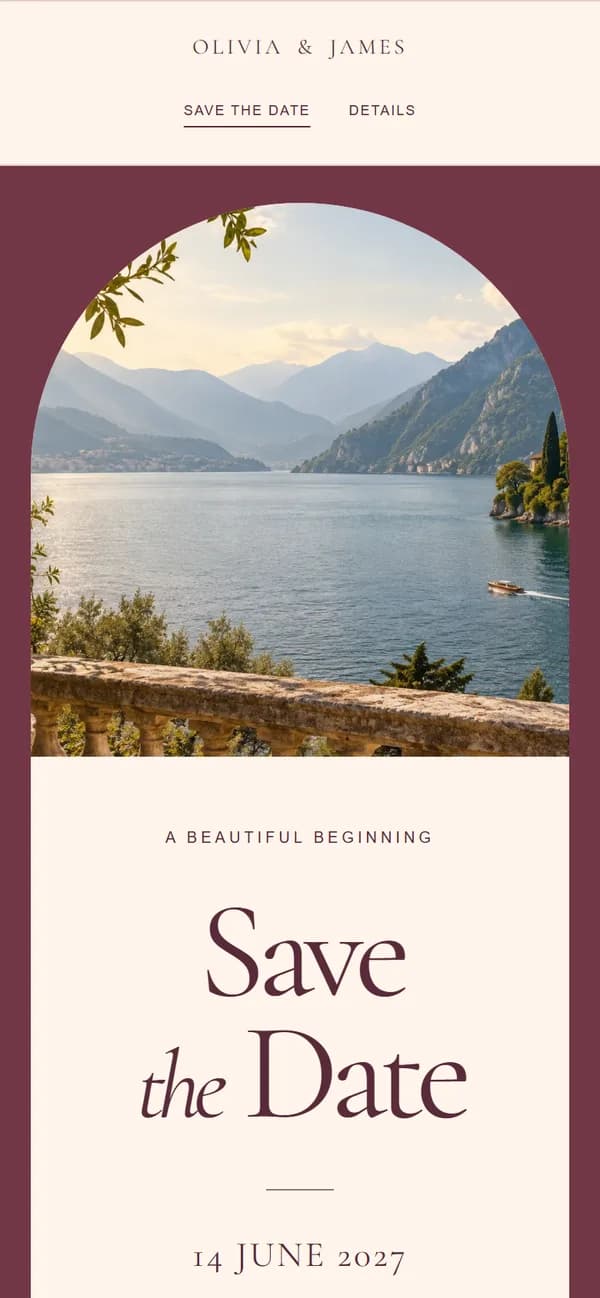
    Your names, date, location and photo, in one of twelve designs made for phones.

  2. 02

    Invitation

    A formal invitation in the same design, with your own wording, the time and the venue. Leave it off if you’re posting printed invitations.

  3. 03

    Details

    Ceremony and reception, timings, travel, where to stay, dress code and answers to guests’ questions. Add only what you need.

  4. 04

    RSVP

    Guests reply with their name and answer, with no account or app. You see every response and the totals in your account.

EVERYTHING YOU NEED. ONE SIMPLE PRICE.

Your whole wedding website.

£19 GBP · one time

Build and preview for free. Pay once when you’re ready to publish. No subscription.

  • All twelve wedding website designs, with a photo of your choice
  • Save the Date and wedding invitation
  • Wedding details: times, venues, travel, where to stay and FAQs
  • Online RSVPs with meal choices
  • Dietary requirements collected with each RSVP
  • Private links for your Save the Date and Invitation
  • Private RSVP replies, attendance totals and catering numbers
  • Guest list import and table planner
  • Published until six months after your wedding date*
Create your save the date

Make something worth sharing.

*Based on the wedding date at checkout. Your expiry date is fixed when you start checkout.

Send it the way you already talk.

When you publish, you get a private Save the Date link and a ready-written message. Switch on your Invitation and it gets its own link and message, so you can send it months later. Share on WhatsApp, copy into a text or email, or use your phone’s share menu. There are no envelopes, stamps or postal addresses to collect.

Change of plan? Same links.

Saved changes to your details, photo or theme show on your published site, so guests always see the latest version. You can close RSVPs, replace either link or unpublish at any time.

Digital or printed?

A digital save the date costs nothing to post and can go out as soon as your date is set. When it’s time to invite everyone, switch on your digital invitation, or post printed invitations and leave that page off. Your link works alongside them either way.

GOOD TO KNOW

Digital save the date questions.

Do guests need to download anything?

No. The link opens in their phone’s browser. There is no app and no guest account.

When should we send our digital save the dates?

Many couples send them six to twelve months before the wedding, and earlier for a destination wedding or a popular date. You can publish once your names, date and location are saved and you’ve paid, then add or change the details later. Work out your dates and find the wording

Can guests see each other’s replies?

No. Responses are visible only in your account.

Who can see our save the date?

Anyone with your Save the Date link. Your Invitation has its own link. Wedding pages are marked not to appear in search results, but that does not make them password-protected, so share your links only with your guests.

How long does it stay online?

Until six months after your wedding date. After that, your links stop opening it.

Can we try it first?

Yes. Create an account, add your details and preview all twelve designs for free. You pay £19 once, when you’re ready to publish.